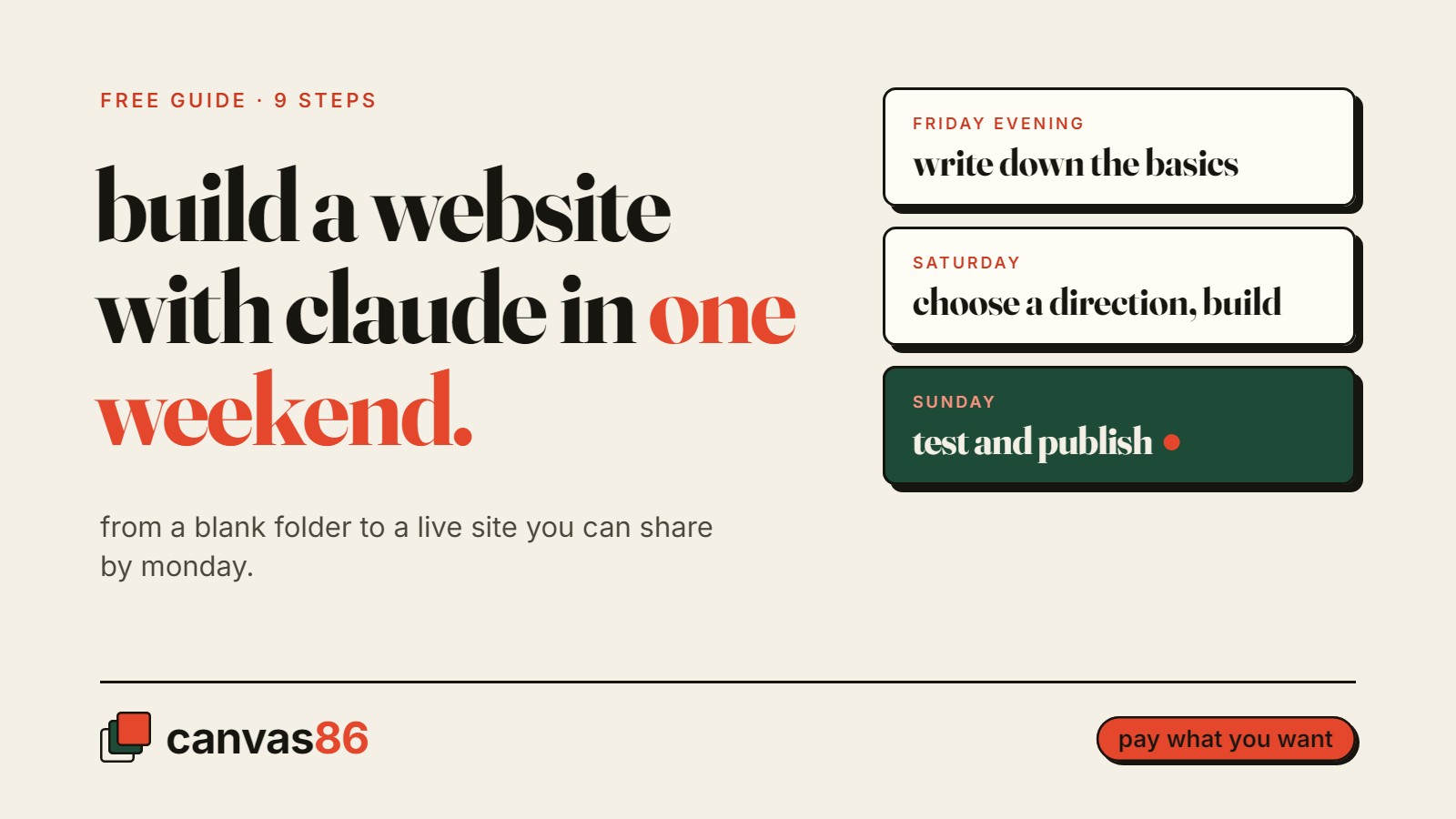
Most small business owners know they need a website. What stops them is the cost of hiring someone, or the feeling that it will take weeks.
It doesn’t have to. You can build a real website for your business with Claude in one weekend. Not a template with your logo dropped in, but a site built around what you do, who you do it for and what you charge.
Below is the whole process in 9 steps. If you want every prompt ready to copy, plus troubleshooting for when something goes wrong, it’s all in a free guide: Your Website, Live in One Weekend. Pay what you want, $0 is fine.
What you need before you start
- A paid Claude plan. The guide is written for it.
- One free weekend. Friday evening to prepare, Saturday to build, Sunday to test and publish.
- Your business basics. What you do, who it’s for, and what you want visitors to do next.
- A few real photos of your work. Your phone is fine.
You don’t need to know how to code, and you don’t need to buy a domain name to get started.
How to build a website with Claude: the 9 steps
1. Write down the basics
What you do, who it’s for, and what you want visitors to do next. Three lines is enough. Everything Claude builds later comes from these three lines, so be specific. “Plumber” is vague. “Emergency plumbing for homes in the north of the city, same-day callouts” gives it something to work with.
2. Install the tools once
It sounds technical, but it’s a one-time setup, and the guide has every step written out.
3. Let Claude learn your business
Your three lines, your services and your prices go in before it writes a single word. A website written without this sounds like every other business in your trade.
4. Choose a design direction first
This is the step most people skip, and it’s why their site ends up looking like everyone else’s. Before anything gets built, ask Claude for three different design directions and pick one. More on why below.
5. Build the whole site
Every page in one go, built from the direction you picked. Building page by page is how sites end up with a different look on every page.
6. Review it like a designer
Have Claude check spacing, type and contrast against the direction you chose, then fix what it finds. This is the step that makes the site look finished.
7. Test it in a real browser
On a phone-sized screen and on desktop. Click every button and every link. Most people will see your site on their phone first, so start there.
8. Add SEO and your own photos
Page titles, page descriptions, and real photos of your work, not stock. This is what helps the right people find you on Google. If you serve a local area, pair it with a free Google Business Profile: here’s how to get your business on Google Maps for free.
9. Publish it for free
Free hosting gives you a live link you can share the same day. Your own domain name is optional and can be added later.
Why most AI websites look the same
If you’ve tried building a site with AI before, you’ve probably seen this. A centered headline, a soft gradient behind it, three cards underneath. It looks fine, and it looks like everyone else.
That happens because AI picks the safest design when you don’t give it a direction. A better prompt won’t fix it. You just get a slightly different version of the same safe page.
The fix is two steps:
- Make it choose a direction first. Ask for three design directions before it builds anything, and pick one. (Step 4.)
- Make it check its own work. Once the site is built, have it review the pages against that direction and fix what doesn’t match. (Step 6.)
Those two steps are the difference between a site that looks generated and one that looks like your business.
Your weekend plan
Friday evening (optional, 30 to 90 minutes). Write down your business details: the three lines, your services, your prices. Still shaping the idea itself? That’s what Before You Start is for.
Saturday, the build day. Install the tools, choose a design direction, build the site, run the design review.
Sunday, the launch day. Test it in the browser, add photos and SEO, publish.
By Sunday night you have a live link you can put in your Instagram bio, your Google Business Profile and your email signature.
Common questions
Do I need to know how to code?
No. Claude writes the site. You give it your business details, make the design choices and check the result.
How much does it cost?
The guide is pay what you want, and $0 is fine. You’ll need a paid Claude plan. Hosting is free. A domain name is optional and is a small yearly cost if you want one.
Can I change the site later?
Yes. Go back to Claude, tell it what to change, and publish again.
Is this an official Claude guide?
No. It’s written by Canvas86 and isn’t affiliated with or endorsed by Anthropic, the company that makes Claude.
What if I’d rather not build it myself?
That’s fine too. Canvas86 builds websites for small businesses, with prices published on the services page.
Get the free guide
The 9 steps above are the outline. The guide has the rest: every prompt ready to copy, the setup written out step by step, and what to do when something goes wrong.
Get Your Website, Live in One Weekend. Pay what you want, $0 is fine.
Canvas86
Want a second pair of eyes on your website or idea?
Get a free review of your website and Google listing, or check your business idea with Before You Start.